Free
This course isn’t open yet, so there is nothing to buy or enrol in. Press Notify me to hear when it opens.
No payment, no account needed. One email on launch day.
The plan
- 2 modules, 9 lessons in the plan
- Recording has started
- One email when it opens, if you ask for it
What you’ll learn
- Explain the difference between an AI chatbot and an AI agent
- Install an AI CLI agent and complete a bounded task you review
- Write instruction files and resume work in a fresh session
- Explain how a lead agent delegates to sub-agents
- Build and verify a simple website with an agent
Course content
The whole course is planned below. Lessons marked Coming soon are on the way; the others are ready to watch.
- Introduction to AI agents and CLI tools: what you'll be able to doSee the path: chat → CLI agent → instructions → a small website built and checked by you. Hands-on: the final website from F07, previewed.Coming soon
- AI chatbots vs AI agents, side by sideExplain the difference: an agent reads your project, runs tools and changes files, with you approving. Hands-on: same question to a chat and to an agent on a tiny repo.Coming soon
- Understanding AI CLI tools: which one, and what it costsRecognise the main CLI agents, what each needs (account, cost) and choose one honestly. Hands-on: a one-page comparison: free tiers, sign-in, platforms.Coming soon
- Just enough terminal and Git for AI agentsOpen a terminal, move around, clone a repo, see a diff and undo a change. Hands-on: clone the starter repo; git status/diff/restore.Coming soon
- Install your first AI CLI agent and finish a small taskInstall a CLI agent with a free tier, sign in safely and complete a bounded task you review in a diff. Hands-on: fix a typo bug + add one test in the starter repo, approve each step.Coming soon
- Instructions, memory and skills: make the agent remember your projectWrite a short AGENTS.md / GEMINI.md, close the session, start a fresh one and resume from your notes. Hands-on: fresh session continues the task from HANDOVER.md.Coming soon
- Master agents and sub-agents, explainedExplain delegation, task boundaries and why a person still reviews. Hands-on: watch a lead agent split a task and review results.Coming soon
- Build and check a simple website with an AI agentPlan, build and verify a one-page site locally in the browser, then review what changed. Hands-on: a small status page built from a written plan; checked in the browser.Coming soon
- Your next steps in AI agent engineeringReview what you can do now and choose a next course. Hands-on: recap + real links to available courses.Coming soon
Requirements
- A computer you can install software on (Windows, macOS or Linux)
- Comfortable using a computer; terminal and Git basics are taught
- A free account for the AI tool you choose (free tiers and limits explained)
About this course
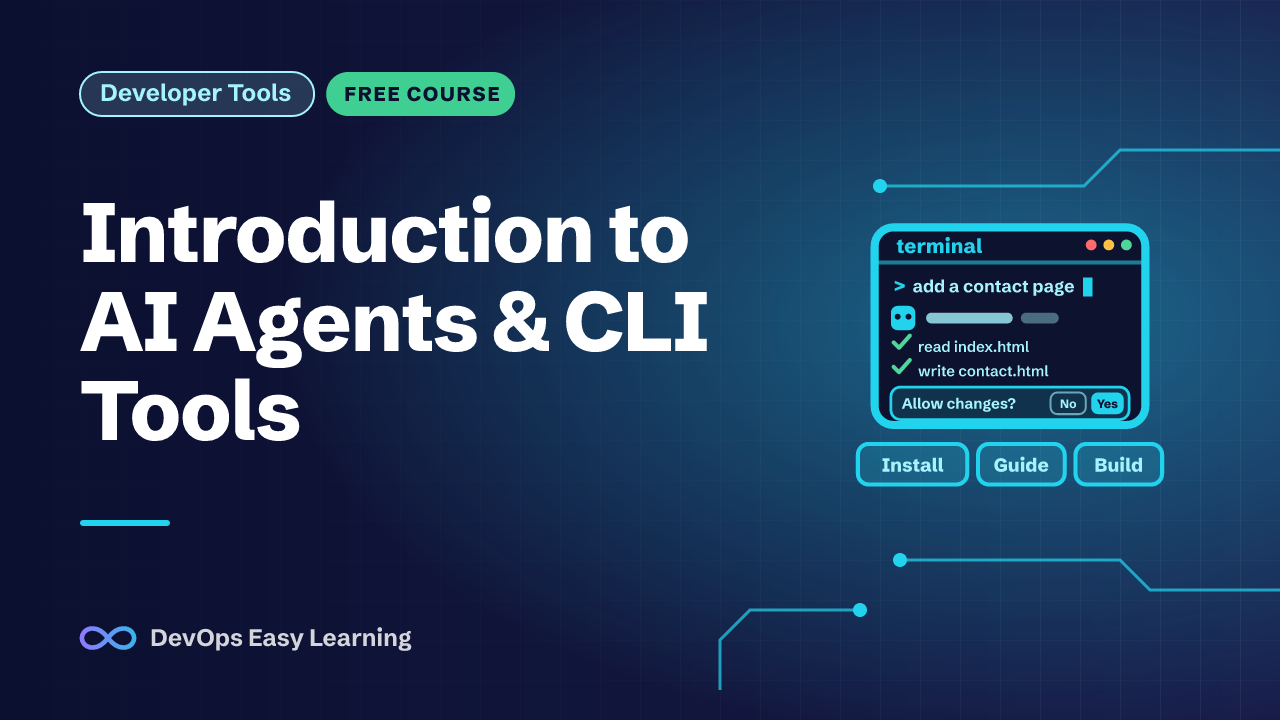
AI agents don't just chat: they read your project, run tools and change files, while you stay in charge. This free course takes you from a browser chat to your first AI CLI agent, the instruction files that make it remember your project, how a lead agent delegates to helpers, and a small website you build and check yourself.
Coming soon. You can read every lesson below and press "Notify me" to get one email when it opens. It will be free.
What you'll do
- Compare a chatbot and an agent on the same task
- Learn just enough terminal and Git to work safely
- Install a CLI agent with a free tier and finish a real small task you review
- Write instructions the agent follows, and resume work in a fresh session
- Build a small website with an agent and verify it in the browser
Who it's for
People who use a computer confidently and want to start with AI coding agents. No previous agent experience needed; the terminal and Git basics are taught gently. Free course; some AI tools have their own free tiers and limits, explained in lesson 3.
Course designer
Tia
Course designer at DevOps Easy Learning